
The Dictation Chat item accepts a list of sentences with and displays them one at a time to the student as a set of empty text boxes. The student listens to the accompanying audio and enters the correct word in the text boxes.
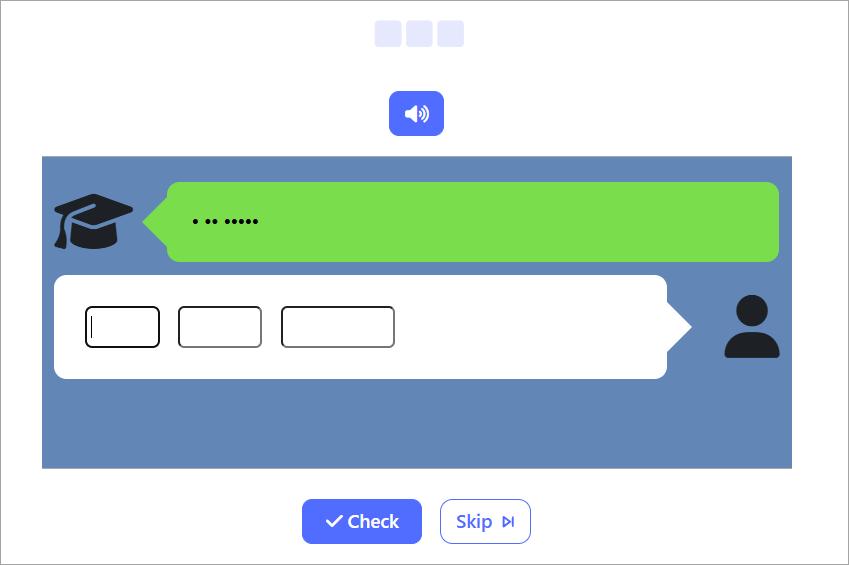
It is an older item type that is functionally similar to the new item type "Listening GapFill."
Dictation Chat Configuration
Sentences
Enter a list of sentences, each on a new line. e.g
I am happy.
I have a pen.
If you wish the audio to play a different sentence, than the sentence the student will type (ie if the audio and text-to-enter are not the same) .. enter the text-to-enter-sentence after the audio-sentence, separated from it by a pipe charater.
e.g
How are you?|I am fine.
My name is Jim.|Nice to meet you
If you wish to show the student a text prompt to accompany the sentence, enter that on the same line - separated from the sentence(s) by a pipe character.
e.g
How are you?|I am fine.|大丈夫です。
My name is Jim.|Nice to meet you.|初めまして
Optional images and audio
By default audio for item is text to speech and voice options can be configured. But it is also possible to upload audio files. If you upload audio files they should be named with the matching index of the word the audio is for in the words list. e.g
1.mp3
2.mp3
Similarly images are optional and if specified should be named to match the index of the word the image is for in the words list. e,g
1.png
2.png
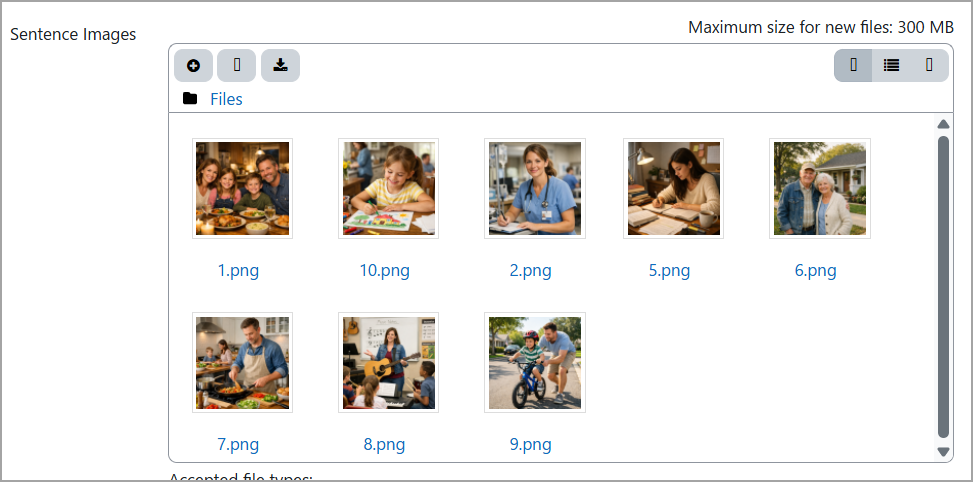
See this page for more information on adding images and audio in this way:
https://support.poodll.com/en/support/solutions/articles/19000166888-sentence-audio-and-images