The Poodll MiniLesson plugin is easy to install from Moodle.org.
1. Go to your site’s plugins installer and install them
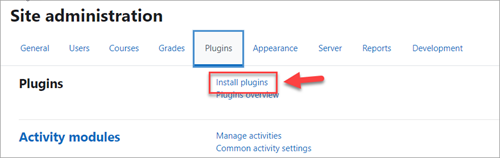
Your Moodle site has a handy system for installing plugins automatically by connecting to Moodle.org to download them. From the site administration menu, go to:
plugins -> install plugins
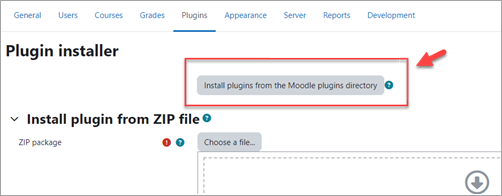
Choose to install from the Moodle plugins directory.
If you are not already logged into Moodle.org, you will need to .

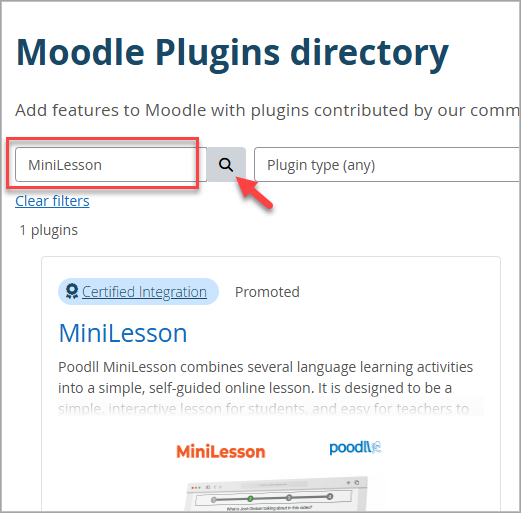
Then search for "MiniLesson" in the “search plugins” bar. The MiniLesson plugin will appear in the search results. Click the title to choose it..
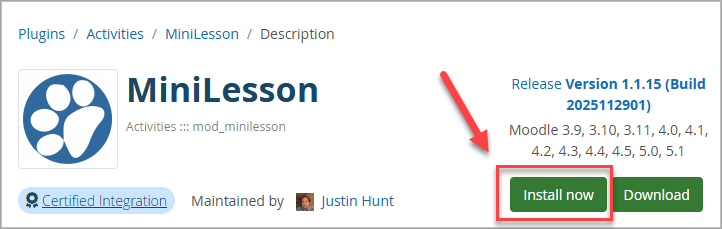
On the next page you will see an “install now” button. If you do not, you are probably not logged in to Moodle.org
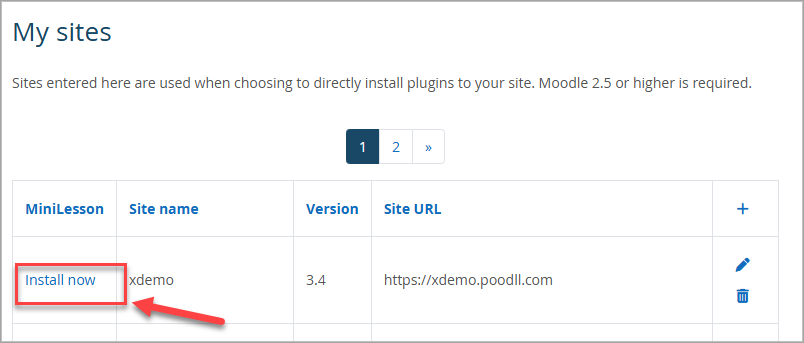
You will then be shown a list of your Moodle sites, and you should choose which to install on, and press the "install now" link.
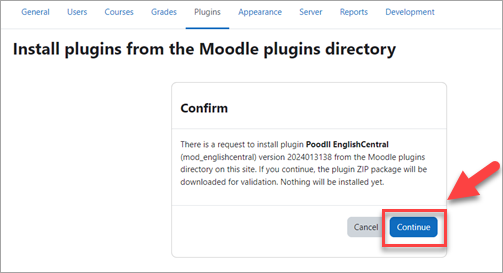
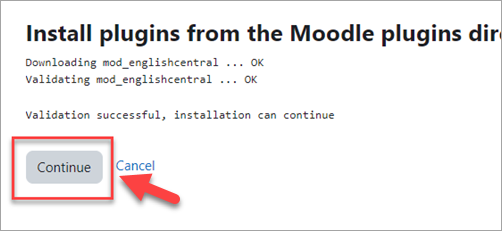
After that Moodle should lead you through the plugin installation
The Poodll MiniLesson plugin URL on Moodle.org
For your reference the plugin file's URL on Moodle.org is:
https://moodle.org/plugins/mod_minilesson
Configuring the Poodll MiniLesson Module
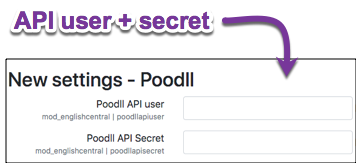
You should have received a Poodll API user and Poodll API secret. If you do not have those, you can get them with a free trial at : . Enter those in the settings wizard that shows immediately after installing. Or on the plugin's admin settings page.